Playlist
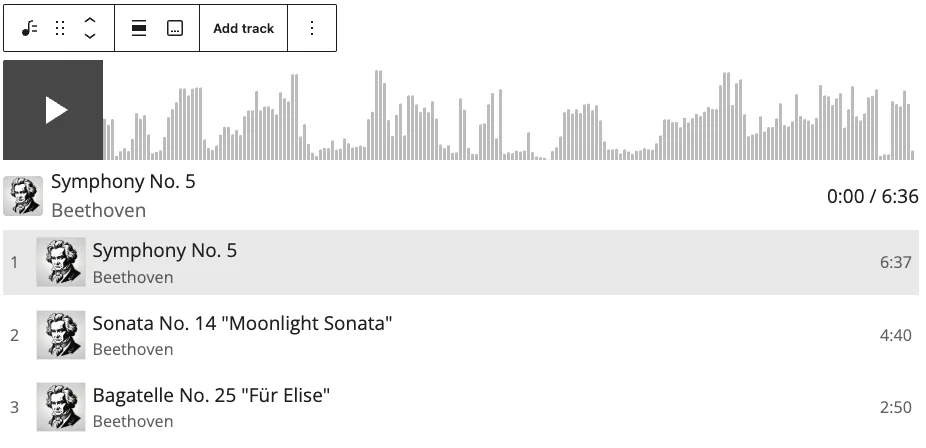
The Playlist Block lets you add a collection of audio tracks, such as music or podcast episodes, to your page and play them in a single audio player. Visitors can browse, play, and shuffle tracks, view playback progress in an interactive waveform, and see customizable details for each track. For a single audio file, we also offer the Audio Block.
Detailed instructions on adding blocks can be found on Building a Page.
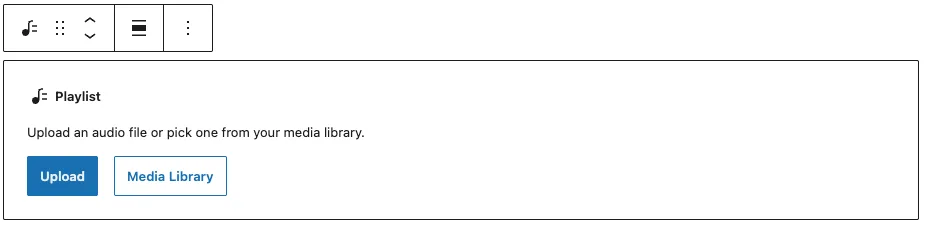
Add the Playlist Block to your page, and either upload audio tracks or select them from your Media Library. Accepted audio file types are MP3 and WAV, and the maximum upload size per file is 10MB.
Block Toolbar
Each block has its own block-specific controls above in the editor that allow you to manipulate the block right in the editor. The Playlist Block offers the following options in its toolbar:
- Transform (convert to another content type)
- Mover Handle (six dots for grabbing and up and down arrows)
- Alignment Options (wide width and full width options are available)
- Caption under the whole block
- Add Track individual tracks will also have “Replace Track”
- More options under the three dots
Playlist Settings & Styles
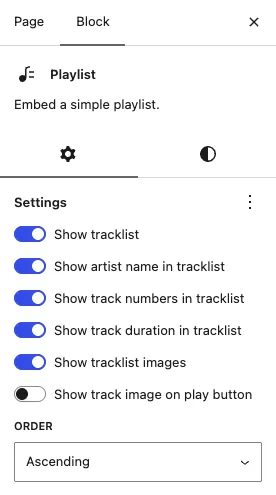
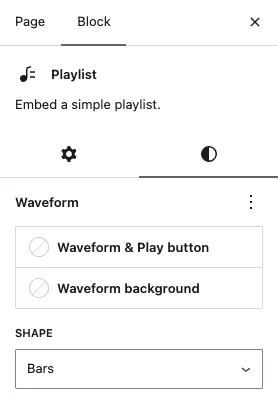
In the Settings tab you can control how the playlist behaves and what track details are displayed. In the Styles tab you can choose the color and style of the waveform. Set these by selecting the parent Playlist; then they’ll be available under “Block” in the right sidebar.
Playlist Track Settings
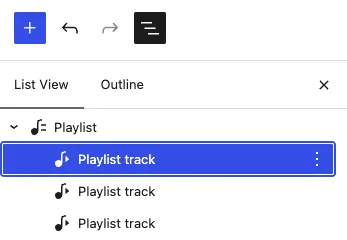
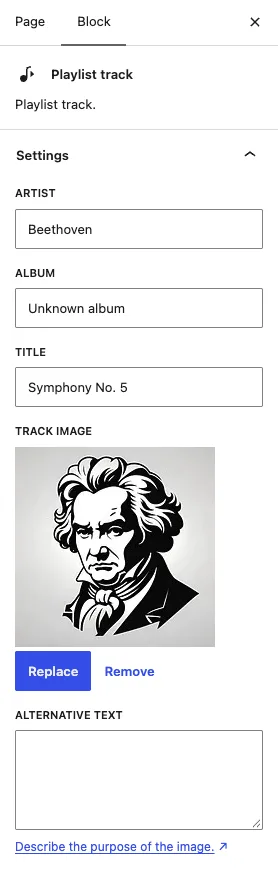
Nested within the Playlist are the individual Playlist Tracks, you can click on the track in the builder or in the List View (three lines in the top left of your screen) then the Settings will be available under “Block” in the right sidebar. Here you can edit the name of the track, artist, album, and add any album artwork.