Math
The Math Block lets you display mathematical notation using LaTeX or MathML. You can add equations as their own block or insert inline math inside normal text, like paragraphs and headings.
Detailed instructions on adding blocks can be found on Building a Page.
Adding Content
Once you’ve added the block to your page you’ll have a field to enter your formula:
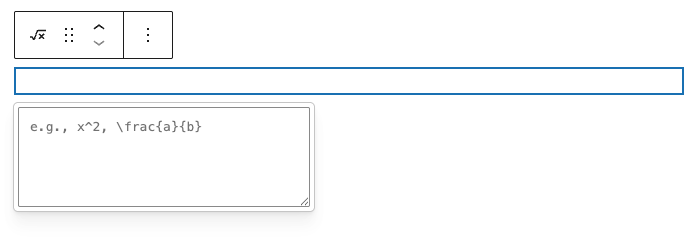
The Math Block already assumes LaTeX or MathML display mode, so you should enter only the equation itself. Do not include \[ \] or $$ around your expression.
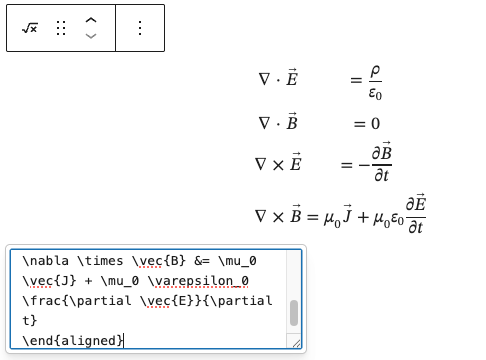
Save the page, and your equation should render on the frontend:
Inline Math
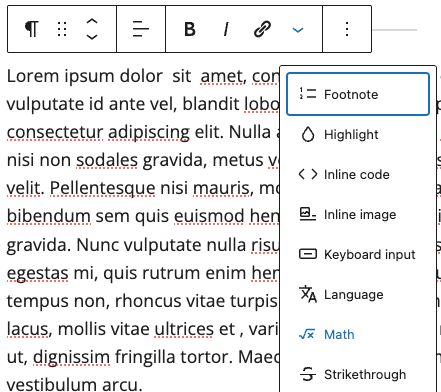
You also have the option to insert inline formulas inside normal text, like paragraphs and headings. Place your cursor where you want the formula, choose Math from the Block Options menu, enter your formula, and press Enter.