

Introducing WordPress 6.9
Today’s deployment included an upgrade to WordPress 6.9, bringing improvements to the editor that support more collaborative workflows, easier content management, and a few quality-of-life enhancements.
Collaborative Editing with Notes
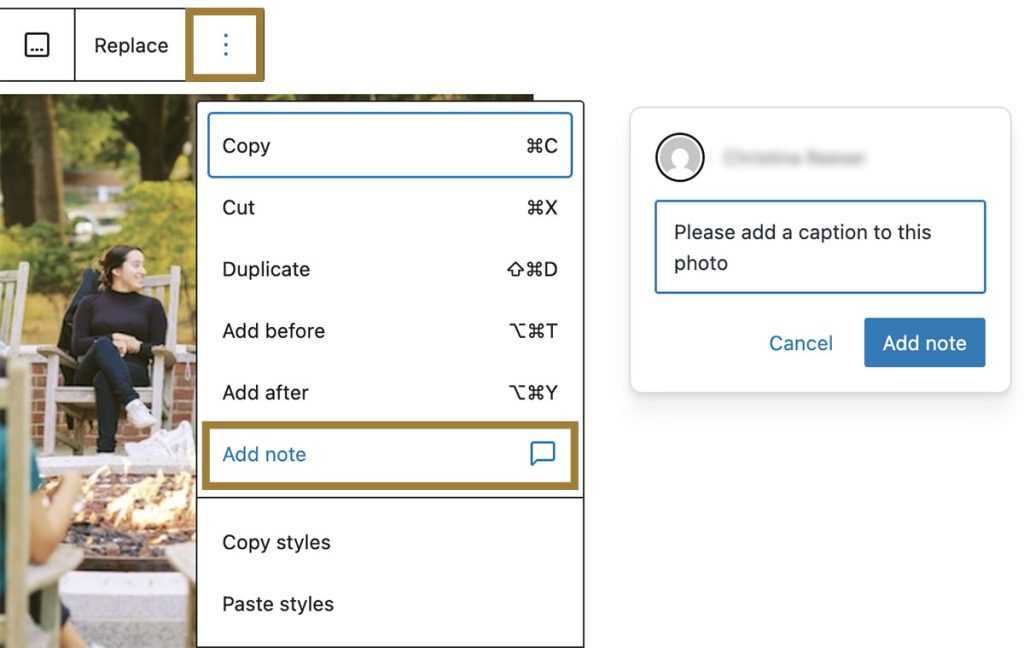
One of the most exciting additions in 6.9 is the introduction of Notes. Just like Google Docs, you can now leave comments directly inside the page editor to review or discuss page content with your team. The page owner is notified when notes are added, and conversations stay attached to the block they reference, making collaboration easier and keeping feedback in one place.
Add Notes is located in the block’s Options menu (the three dots at the end of the block toolbar).
Show/Hide Blocks
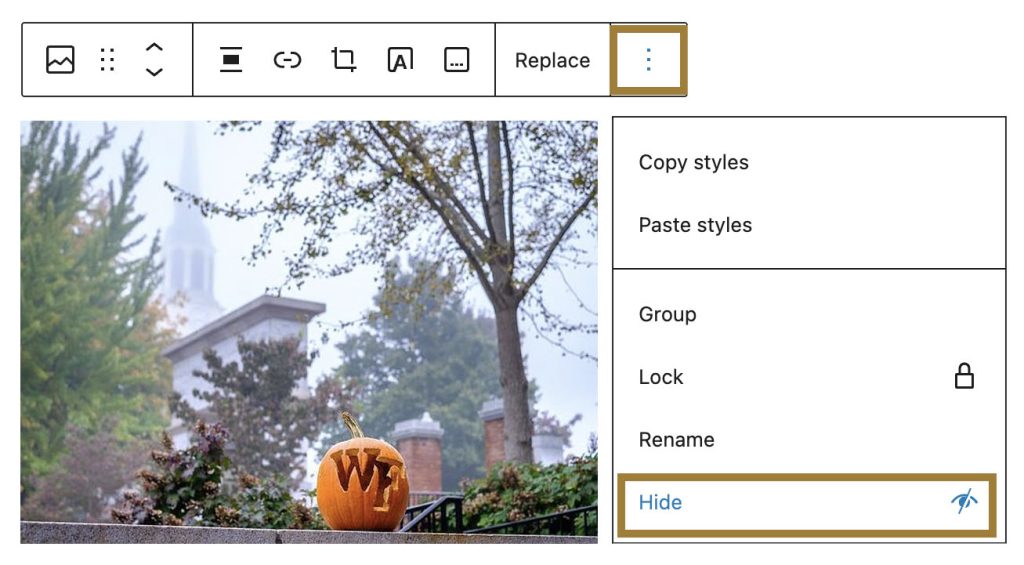
You can now temporarily hide any block without deleting it. This makes it easier to prepare seasonal content, stage updates, or switch between content variations without visitors seeing changes until you’re ready. As with Notes, the Show/Hide toggle is located in the block’s Options menu.
Improved Featured Image Workflow
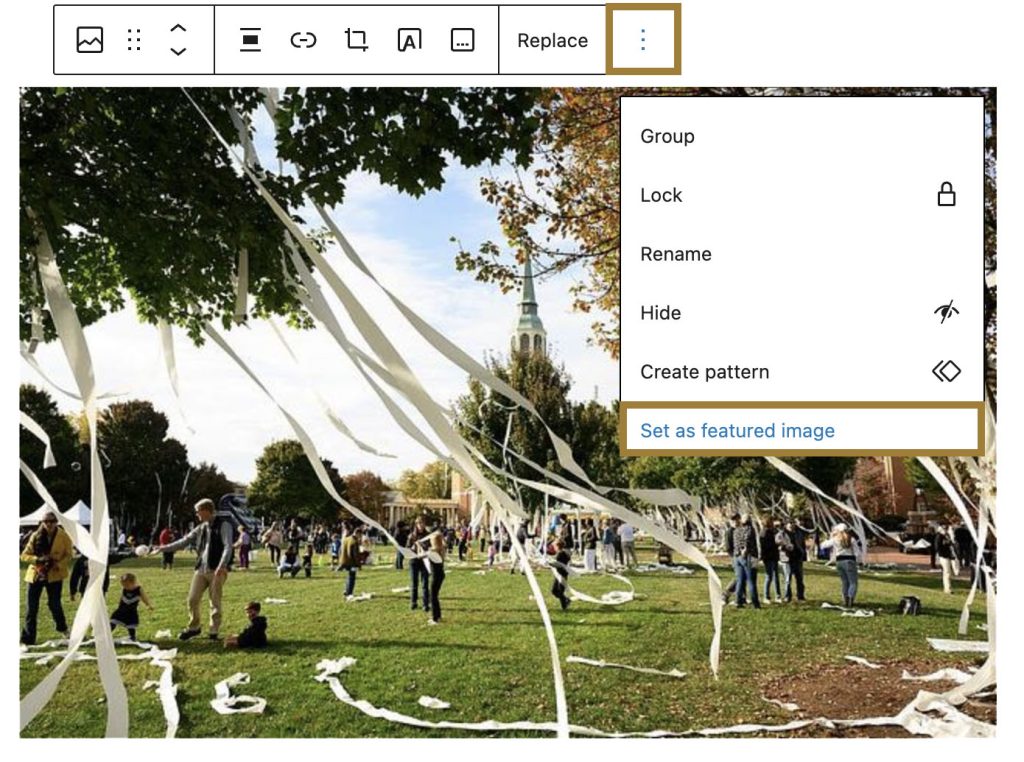
There’s also a small but meaningful improvement to how Featured Images work. You can now set any image block as the Featured Image by opening the block’s Option menu and selecting “Set as featured image.” This should make it easier to keep your content and featured visuals in sync without extra steps.
Additional Enhancements
While many of the remaining changes are subtle, experienced users may appreciate a few new shortcuts and refinements:
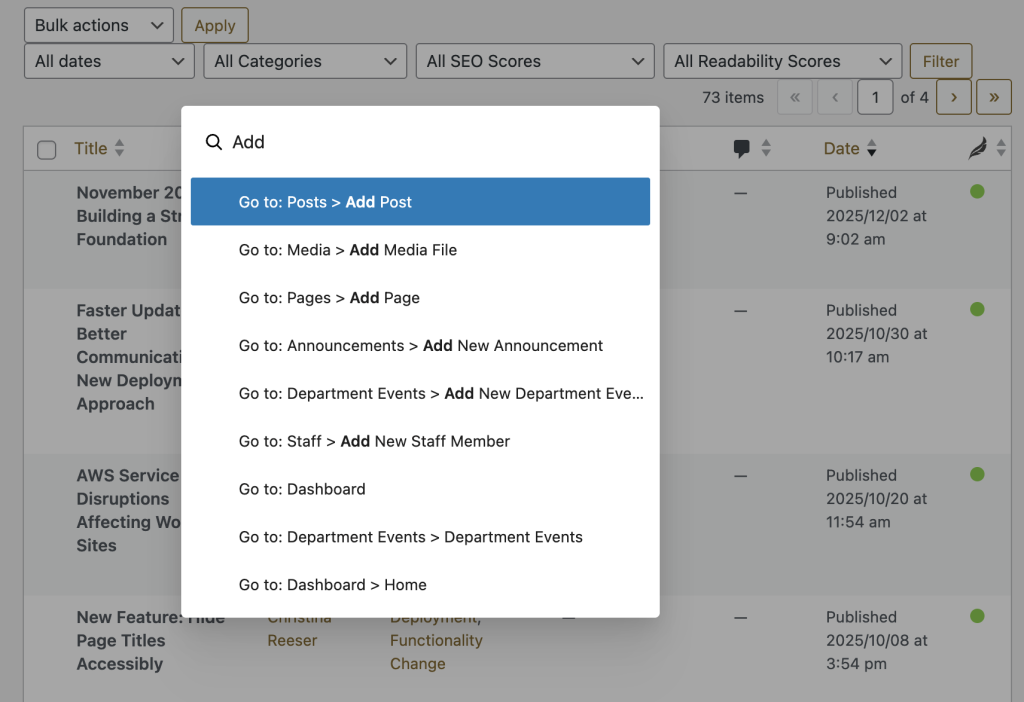
Command + K now opens contextual command windows for faster navigation and actions.
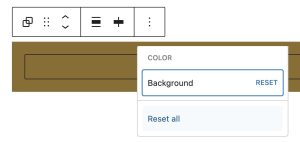
The Color Picker includes a Reset option, making it easier to experiment without losing your original settings.
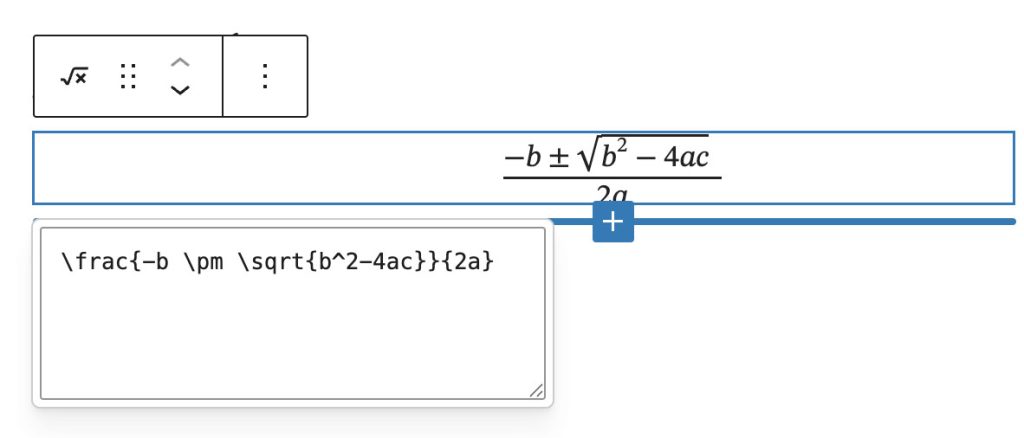
If your department uses LaTeX or publishes equations, the new Math block has been added for better visualizing mathematical equations.
Accessibility Improvements
Accessibility was a key factor in the timing of this upgrade. We intentionally skipped WordPress 6.8 due to an editor change that caused significant usability issues for screen reader users. Those issues were addressed in WordPress 6.9, allowing us to move forward with confidence.
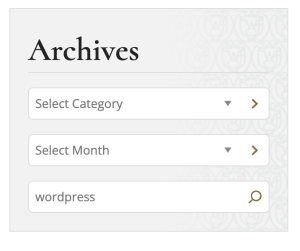
In addition, we made our own accessibility improvement to address a long-standing issue in WordPress core. The Archive Dropdown previously changed page context immediately upon selection, which can be disorienting for screen reader and keyboard users. We’ve updated this behavior so that users now make a selection and then explicitly submit it, improving clarity and usability.
A Note on Styling Changes
This version of WordPress changes how your website loads styles behind the scenes to improve performance. Most sites will not notice any difference, but if you maintain heavily customized pages or advanced styling, please give those areas a quick visual review. Report anything unusual using our Digital Request Form so we can fix it quickly.
As always, if you have questions or want to explore how these new WordPress features might fit into your workflow, we’re here to assist. Or if you notice anything that looks off in your existing pages, please let us know. We’re happy to help.
Categories: Deployment, New Feature